

Paper to CAD Conversion: Modernising Engineering Drawings with 2D, 3D, PDF Conversion & 3D Printing
Engineering teams across manufacturing, fabrication, and product development still rely heavily on legacy paper drawings and PDF files. These documents hold decades of design intent, but they also slow modern workflows. As production demands increase and digital systems become standard, converting paper or PDF drawings to CAD is essential for accuracy, speed, and long‑term reliability.
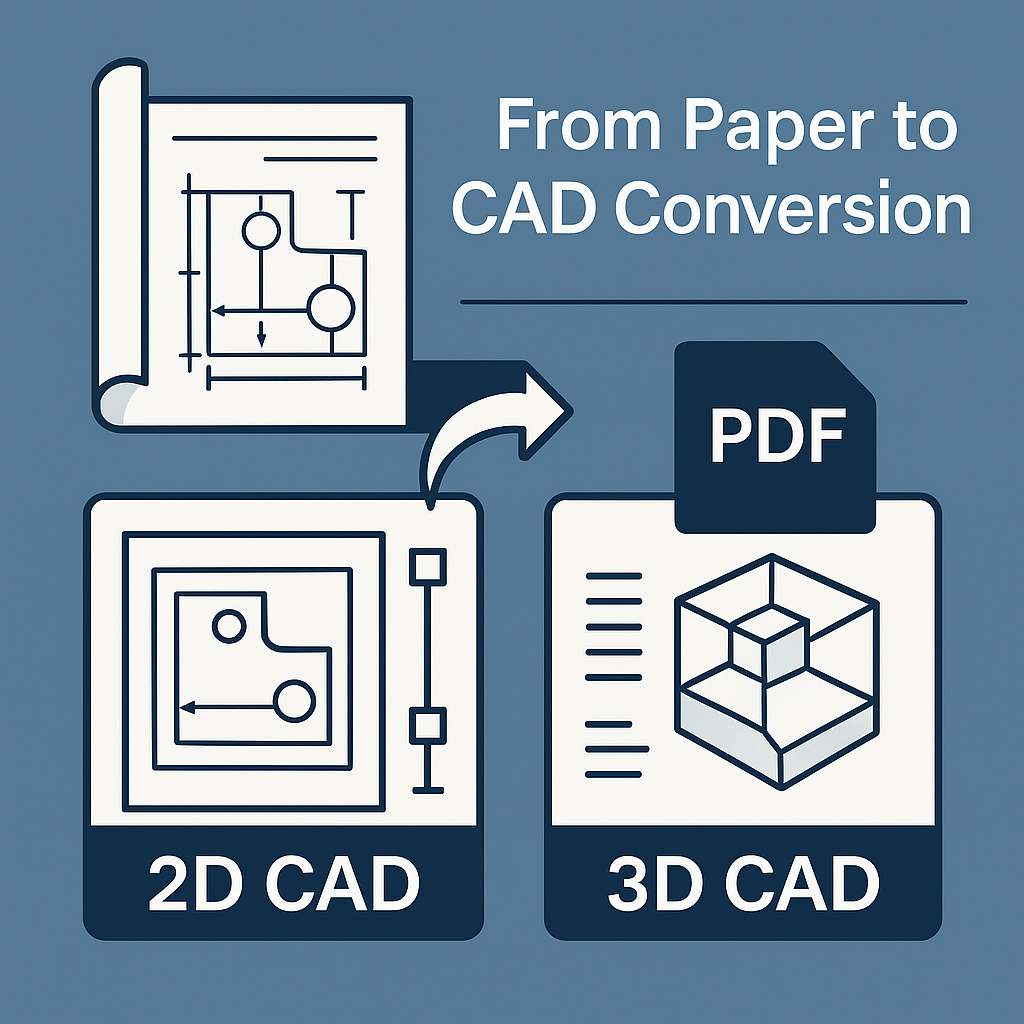
Dual2 provides complete paper‑to‑CAD, PDF‑to‑CAD, 2D CAD draughting, and 3D CAD modelling services, giving engineering teams the flexibility to digitise drawings in the format that best supports their workflow.
Why Engineering Teams Convert Paper and PDF Drawings to CAD
Paper and PDF drawings create bottlenecks because they:
- Lack version control
- Are difficult to revise or update
- Can fade, tear, or be misplaced
- Slow down collaboration with suppliers
- Don’t integrate with CAD/CAM or digital manufacturing
- Often contain flattened geometry that can’t be edited
Converting these documents into accurate CAD files eliminates these issues and unlocks modern engineering capability.
CAD Conversion Options: 2D, 3D, or Both
1. Paper‑to‑2D CAD Draughting
This service converts paper drawings into clean, editable DWG/DXF files. It’s ideal for engineering teams who need accurate 2D technical drawings without requiring full 3D models.
Best for:
- Machining and fabrication drawings
- P&IDs, schematics, and layouts
- Legacy 2D technical packs
- Projects where 3D geometry isn’t necessary
Deliverables:
- Standardised drawings, formats and layers
- Updated dimensions, tolerances, and notes
- Fully editable 2D CAD files ready for manufacturing
2. Paper‑to‑3D CAD Modelling
For teams needing full digital reconstruction, Dual2 converts paper drawings into parametric 3D CAD models suitable for engineering, manufacturing, and simulation.
Best for:
- Mechanical components and assemblies
- Reverse‑engineering legacy parts
- Product redesign and development
- CAM, FEA, or simulation workflows
Deliverables:
- Clean, editable SolidWorks models
- Accurate geometry rebuilt from paper drawings
- Optional 2D drawings generated from the 3D model
- Files ready for machining, fabrication, or further design
3. PDF‑to‑CAD Conversion (2D or 3D)
If the original drawings are lost and only a PDF remains, Dual2 can convert it into:
- Editable 2D CAD files (DWG/DXF)
- Fully parametric 3D CAD models
This is ideal when:
- Only a scanned PDF is available
- A supplier provides PDF‑only documentation
- CAD files were never created or have been misplaced
PDF‑to‑CAD conversion follows the same accuracy standards as paper‑to‑CAD reconstruction.
Optional Add‑On: 3D Printing for Prototypes and Fit‑Checks
Once a part is modelled in 3D, Dual2 can source 3D printed prototypes to support:
- Fit and assembly checks
- Early‑stage design validation
- Low‑volume functional testing
- Supplier communication and approvals
This gives engineering teams a fast, cost‑effective way to validate geometry before committing to machining or fabrication.
Combine Services for a Complete Engineering Pack
Many clients choose a hybrid approach:
- 3D CAD models for manufacturing and redesign
- 2D CAD drawings for shop‑floor use
- PDF‑to‑CAD conversion when no originals exist
- 3D printed prototypes for rapid validation
All outputs are built from the same digital source to ensure consistency across your engineering documentation.
How Dual2 Delivers CAD Conversion Projects
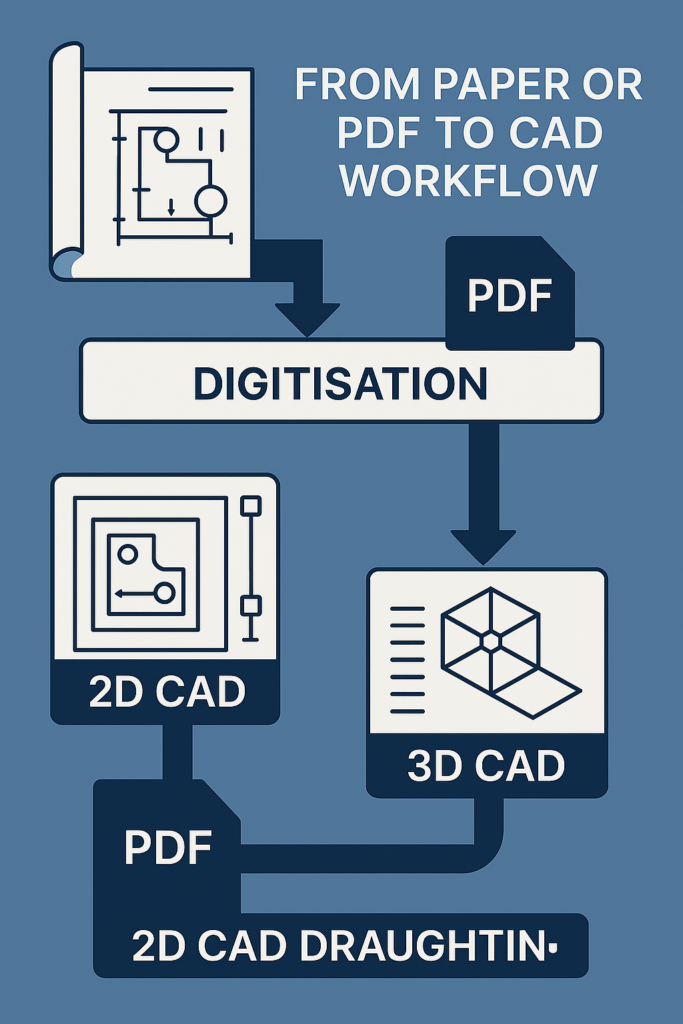
Step 1 — Assessment
We review your paper drawings, PDFs, sketches, or scans to understand geometry, tolerances, and required outputs.
Step 2 — CAD Reconstruction
- 2D CAD draughting for clean DWG/DXF files
- 3D CAD modelling for parametric SolidWorks models
- PDF‑to‑CAD conversion for editable geometry
Step 3 — Technical Detailing
Dimensions, tolerances, GD&T, and notes applied to your engineering standards.
Step 4 — Delivery
DWG, DXF, STEP, SLDPRT, PDF technical packs — plus optional 3D printed prototypes.
Who Benefits Most from CAD Conversion?
- Engineering departments updating legacy documentation
- Manufacturers needing accurate models for fabrication
- Fabricators and machinists requiring clean DXF/DWG files
- Maintenance teams digitising old plant drawings
- Product developers working from historical or hand‑drawn concepts
- Companies with PDF‑only archives needing editable CAD
Digitising drawings reduces risk, improves accuracy, and accelerates engineering workflows.
Why Engineering Teams Choose Dual2 for CAD Conversion
- Accurate, parametric CAD, not traced geometry
- Clear, structured deliverables aligned with engineering standards
- Fast, contingency‑aware quoting
- Experience across mechanical design, fabrication, and manufacturing
- PDF‑to‑CAD and paper‑to‑CAD expertise
- Optional 3D printing for rapid prototype validation
Dual2 helps engineering teams move from outdated documentation to modern, scalable digital workflows